
Install on a phone or tablet
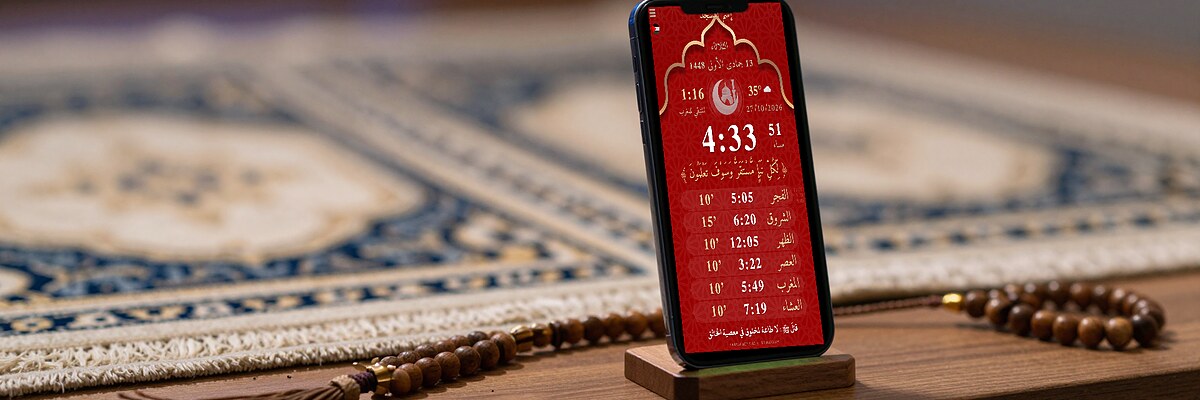
An unused Android phone or tablet makes a good prayer times screen at home.
- Download the APK on the phone. Android 5 to 14: the main file. Android 15 and 16: the ARM64 file.
- Allow the install from this source when Android asks.
- Open Tawkit, choose your country and city.
- Put the phone on a stand and keep it charging. Choose portrait or landscape in the settings.
- In the phone settings, keep the screen on while charging if you want it always visible.
Files for this device
- Android 5 to 14 tawkit-9.63-android-db084.apk
- Android 15 and 16 (ARM64) tawkit-9.63-android-x64-db084.apk
- Old version 9.61 (some devices) tawkit-9.61.apk