
Install on Windows, Mac or Linux
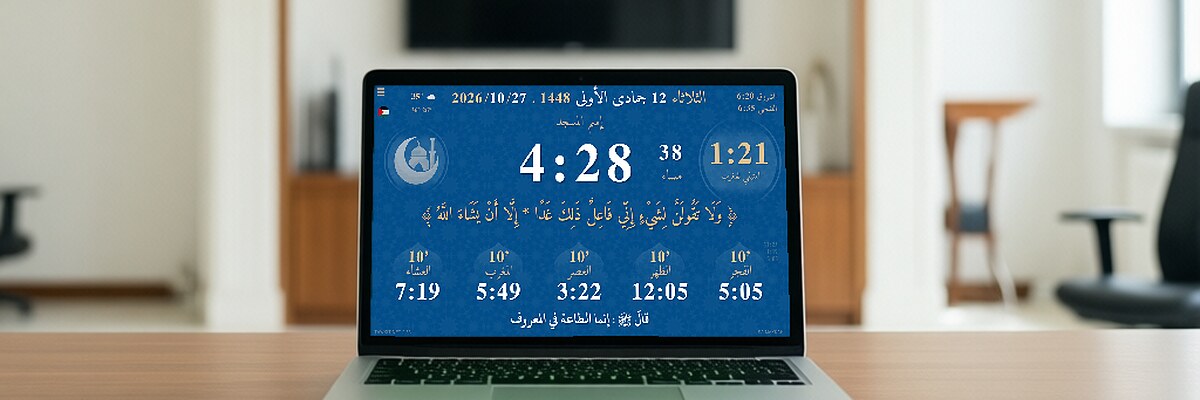
On a computer, Tawkit runs in the web browser, offline.
- Download the ZIP and unzip it in a new folder.
- Open index.html with Chrome, Edge or Firefox.
- Choose your country and city, then press F11 for full screen.
- To update later, unzip the new version in a new folder; you can copy your settings with the export/import option.
Files for this device
- Download the ZIP tawkit-9.63-html-db084.zip