
Install on an Android TV box
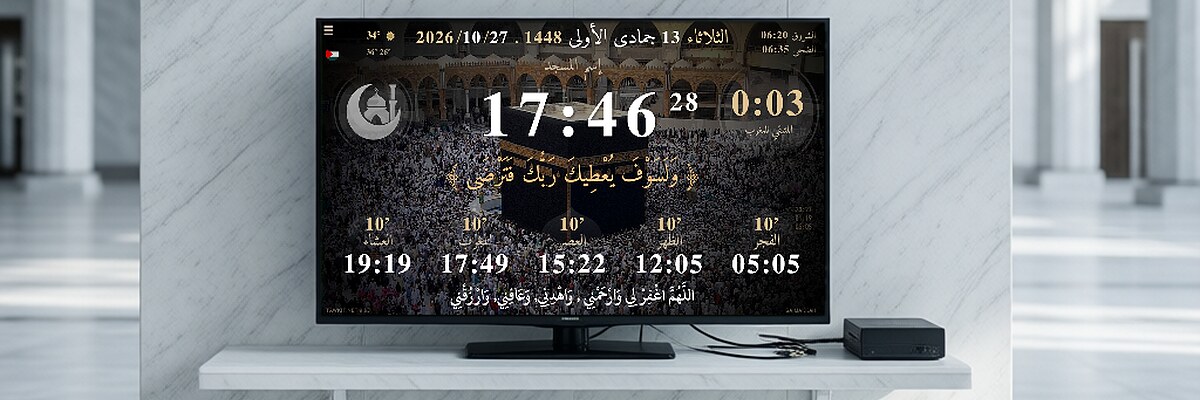
The easiest way to show prayer times on a mosque TV: a small Android TV box plugged into the TV's HDMI port.
- Download the APK on the box (or copy it with a USB stick). Android 5 to 14: the main file. Android 15 and 16: the ARM64 file.
- Allow the install: Android asks to allow apps from this source; say yes.
- Uninstall the old version first if Tawkit is already on the box.
- Open Tawkit, choose your country and city, then adjust the iqama times for your mosque.
- Start on boot (optional): in the box settings, set Tawkit to open when the box starts.
If the app doesn't open on your box, try the old version 9.61.
Files for this device
- Android 5 to 14 tawkit-9.63-android-db084.apk
- Android 15 and 16 (ARM64) tawkit-9.63-android-x64-db084.apk
- Old version 9.61 (some devices) tawkit-9.61.apk